Getting to the command-line on a Mac OS Computer with Terminal
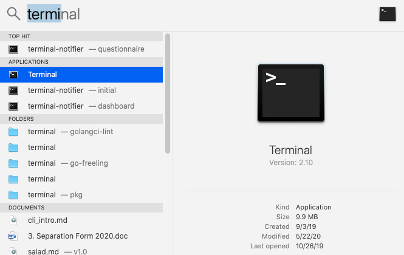
From Spotlight Search, type terminal. The terminal application should be the top result.
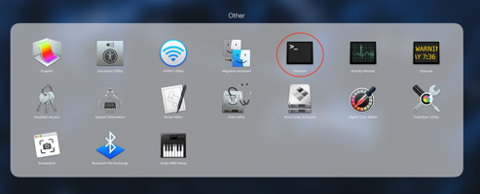
You can also launch the terminal from the application launcher or menu.
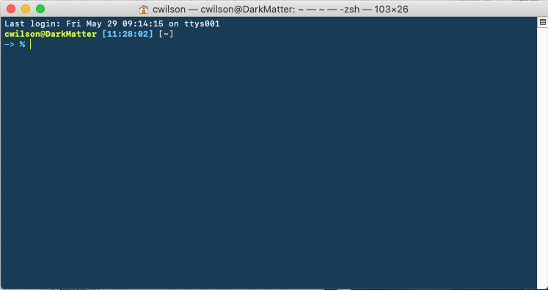
Once the terminal app launches you should see a window similar to the one below.
This will put you in a position to start to test the command-line- I’d recommend that you go to some of our basic tutorials (link here) once you have the terminal program running and try it out.
You can always ask your Core personnel for help, too!